

Compliance Built for Financial Control Environments
How Finance-Led E-Invoicing Operates with Advintek
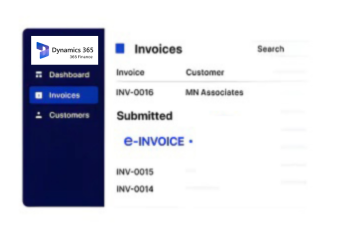
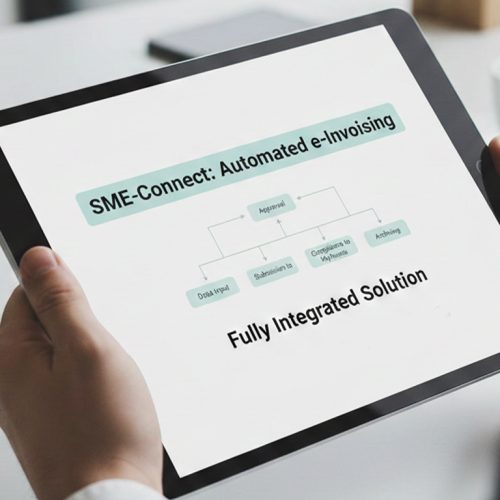
- Receivable Activity Is Identified: The process begins with financial transactions that require electronic invoicing, drawing from customer and accounting activity within Dynamics 365 Finance.
- Accounting Context Is Gathered: Customer, ledger, tax, amount, reference, and financial dimension information is assembled around the transaction being invoiced.
- Invoice Figures Are Compared: Financial values and applicable tax information are examined against the transaction context to establish a consistent invoice record.
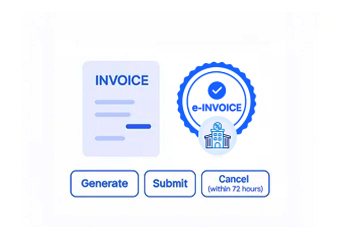
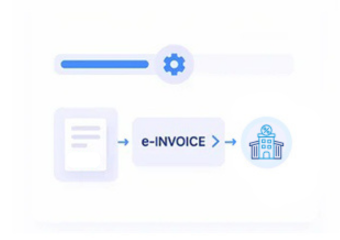
- Regulatory Content Is Prepared: The reviewed information is arranged into the electronic invoice structure needed for Tunisia DGI processing.
- The Invoice Enters DGI Handling: The prepared document proceeds through the applicable electronic invoicing infrastructure for DGI processing and regulatory response.
- Financial Records Receive the Outcome: Processing information can be associated with the invoice and originating finance activity, supporting subsequent reconciliation and document review.
What Does Microsoft Dynamics Finance Connector Enable?
Advintek connects financial activity in Dynamics 365 Finance with Tunisia DGI e-invoicing, helping organizations coordinate invoice preparation, regulatory handling, and accounting records.
- Uses receivables and financial transaction information
- Brings tax and accounting details into invoice preparation
- Checks invoice content before DGI handling
- Relates processed invoices to finance records
Why Finance Teams Choose Advintek
- Receivables and Invoices Stay Connected: Electronic invoice preparation can begin from customer accounting activity, preserving the financial context behind the document.
- Posted Values Have a Reference Point: Invoice amounts can be associated with recorded financial activity, making it easier to understand where figures originated.
- Tax Information Is Considered Alongside Accounting: Applicable VAT and taxable values are reviewed together with financial information rather than being treated as an isolated compliance field.
- Financial Dimensions Add Useful Detail: Organizational classifications already used within Finance can provide additional context when reviewing invoice activity.
- Reconciliation Can Follow Regulatory Processing: Once DGI handling produces a result, that information can be considered alongside the related finance transaction for subsequent review.
- Electronic Documents Support Financial Continuity: Invoice records can remain connected with their accounting origin, helping finance teams maintain a coherent history from posting through regulatory processing.
Complete Control Over Tunisia E-Invoicing Workflows in One Platform
Receivables-Based Invoice Preparation
Customer accounting activity can provide the financial foundation for electronic invoices while retaining the transaction context maintained in Dynamics 365 Finance.
Tax and Ledger Alignment
Financial and tax information can be considered together during preparation, helping invoice content correspond with the underlying accounting activity.
Invoice Reconciliation Support
Electronic invoices and processing outcomes can remain associated with finance records, giving teams a clearer basis for subsequent reconciliation.
Microsoft Dynamics 365 Finance Connected to Tunisia DGI
Finance teams using Microsoft Dynamics 365 Finance can connect receivables, ledger, tax, customer, and financial dimension information with Tunisia DGI e-invoicing while maintaining established accounting workflows and supporting consistent compliance processes across daily financial operations.
- Continue managing accounting activity through Finance
- Bring qualifying transactions into DGI processing
- Keep invoice and financial records connected
- Support reconciliation after regulatory handling
With Tunisia DGI e-Invoicing
Bring Microsoft Dynamics 365 Finance activity into DGI electronic invoicing without separating regulatory processing from established financial records.
Keep receivables, ledger values, tax information, organizational dimensions, invoice documents, and processing outcomes connected for finance teams.
Ready e-Invoice System
Frequently Asked Questions Microsoft Dynamics e-Invoicing Tunisia
Can Microsoft Dynamics 365 Finance connect with Tunisia DGI e-invoicing?
Yes. Relevant financial and receivables information can be connected with an electronic invoicing workflow supporting applicable Tunisia DGI processing requirements.
Which Microsoft Dynamics 365 Finance records can contribute to electronic invoices?
Depending on the transaction, customer accounts, receivables activity, ledger information, invoice values, VAT details, references, and financial dimensions may contribute.
How are financial values handled before DGI processing?
Invoice values and applicable tax information can be reviewed alongside the originating financial activity before the document moves into DGI processing.
Can Microsoft Dynamics 365 Finance tax information support DGI invoice preparation?
Yes. Applicable VAT and taxable information maintained within Microsoft Dynamics 365 Finance can contribute to the electronic invoice where relevant to the transaction.
Can DGI invoice results be connected with Microsoft Dynamics 365 Finance records?
Processing information can be associated with electronic invoice and originating finance records, helping teams maintain continuity between regulatory documentation and accounting activity.